
Intelligent Operations Platform

IOP is the visibility layer of the oftware stack. It collects data from every part of your automated warehouse, turns it into clear operational insights, and alerts you the moment something needs attention. Not after a problem has happened. Before it becomes one.

What is IOP

The control tower of your automated warehouse.

IOP stands for Intelligent Operations Platform. It sits on top of WES and RMS — collecting real-time operational data from every robot, every workstation, and every order flow, and turning it into clear, actionable insights for the people who need them.

Think of IOP as the window into your entire operation. At any moment you can see exactly what is happening on the floor. Which robots are active, which orders are in progress, where efficiency is being lost, and how today compares to yesterday, last week, and last month. Everything visible. Nothing hidden.

Software Architecture

Seamless Software Integration

Our software team focuses on one thing: making sure your existing systems and the Geek+ platform communicate flawlessly. They build and manage the integration layer — connecting your WMS, ERP and MES to Geek+'s RMS, WES and IOP through data, business and scheduling APIs.

Over the years, we have worked with a wide range of industries and client systems — from retail and e-commerce to manufacturing, pharma and third-party logistics.Whether your business runs a standard WMS or a fully customised ERP, our team has the expertise to make the integration work.

Client Systems

WMSWarehouse Management System
ERPEnterprise Resource Planning
MESManufacturing Execution System
& many other client systems
Integration Layer
Execution Layer

AMR and Workstations

All robots controlled by One software

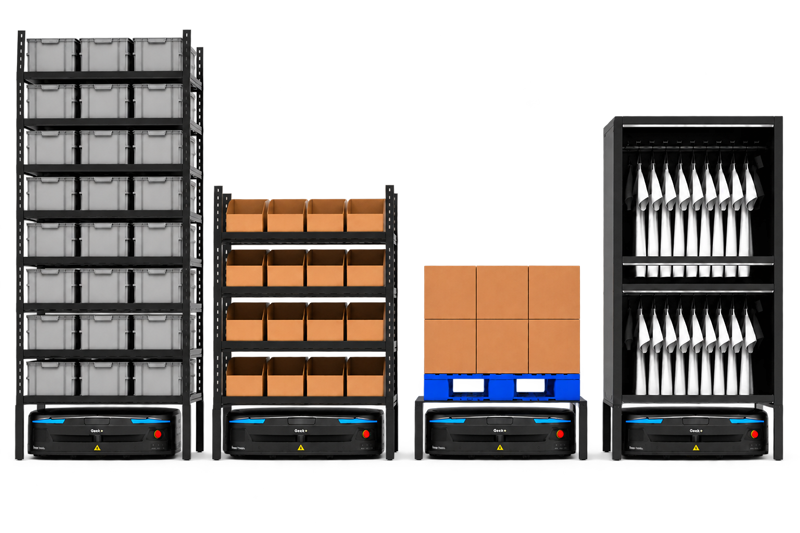
Geek+ robot lineup

Controls Workstations, Conveyors and Inventory

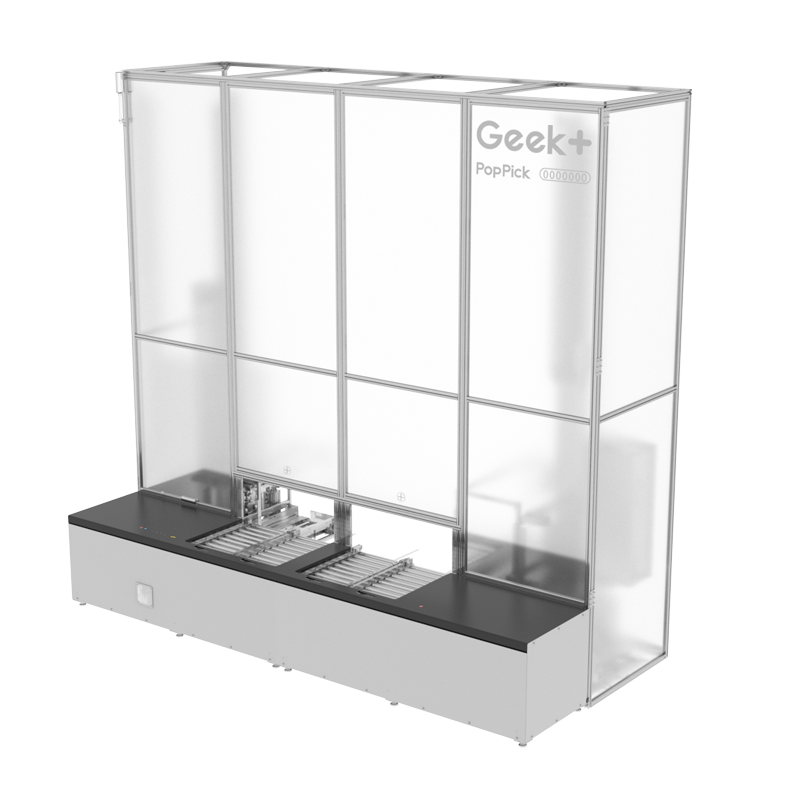
Workstations, conveyors and storage

What IOP does

One system. Every moving part.

WES doesn't control one part of your warehouse — it controls all of them. Order flow, robot movements, operator guidance, and inventory positioning are all managed in real time from a single platform. Nothing waits, nothing gets lost, and nothing moves without a reason.

  • Visual data analysis

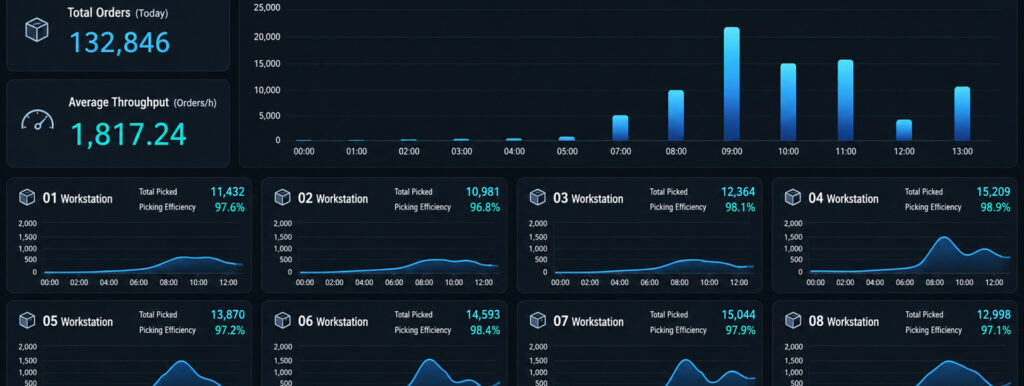
    Every key metric across your operation is collected, analysed, and displayed in real time. Throughput, pick rates, robot utilisation, order completion rates, operator efficiency. All visible from a single dashboard. The data that drives better decisions, presented in a way that actually makes sense.

  • Large screen dashboard

    IOP is designed to be visible across the entire warehouse floor, not just on a desktop screen. A large screen dashboard gives your team at-a-glance visibility of the most important operational metrics in real time, from anywhere on the floor. No logging in, no searching. Just the numbers that matter, always visible.

  • Anomaly detection & alerts

    IOP monitors the entire warehousing system continuously and flags anomalies the moment they appear, automatically and in real time. Alerts are sent immediately through Microsoft Teams, email, or on-site alarm lights so the right people know about a problem before it disrupts the operation. Nothing waits. Nothing gets missed.

  • Facility monitoring and reporting

    IOP generates detailed performance reports across every dimension of your operation. Robot health, order flow, workstation productivity, and system efficiency are all tracked and reported. Multi-dimensional analysis helps identify bottlenecks and opportunities that are not visible in the day-to-day flow of a busy warehouse.

  • Alerts workbench

    When an alert is triggered, IOP does not just send a notification. It provides a dedicated workbench where alerts can be acknowledged, assigned to the right person, and tracked through to resolution. Every issue has an owner, every owner has a clear status, and nothing falls through the cracks.

  • Customisable views

    Different roles need different information. IOP dashboards are fully configurable. Your warehouse manager sees operational KPIs, your COO sees throughput and cost metrics, and STL's support team sees system health data. Everyone gets the view that helps them do their job, without information overload.

Alert channels

No alert goes unnoticed

IOP sends alerts through multiple channels simultaneously so nothing gets missed regardless of where your team is or what they are doing.

  • Teams icon black and whiteMonochrome icon with two people and a foreground T tile.

    Microsoft Teams

    Instant alerts in your team channel.

  • Email

    Detailed alert reports to key contacts.

  • On-site alarms

    Physical alarm lights on the warehouse floor.

  • Mobile

    Push notifications for on-the-go visibility.

Want to see IOP in action?

The best way to understand what IOP does is to see it running on a real warehouse operation. Talk to an STL specialist and we will show you what the dashboards look like, how alerts work in practice, and what full visibility of your operation actually feels like.